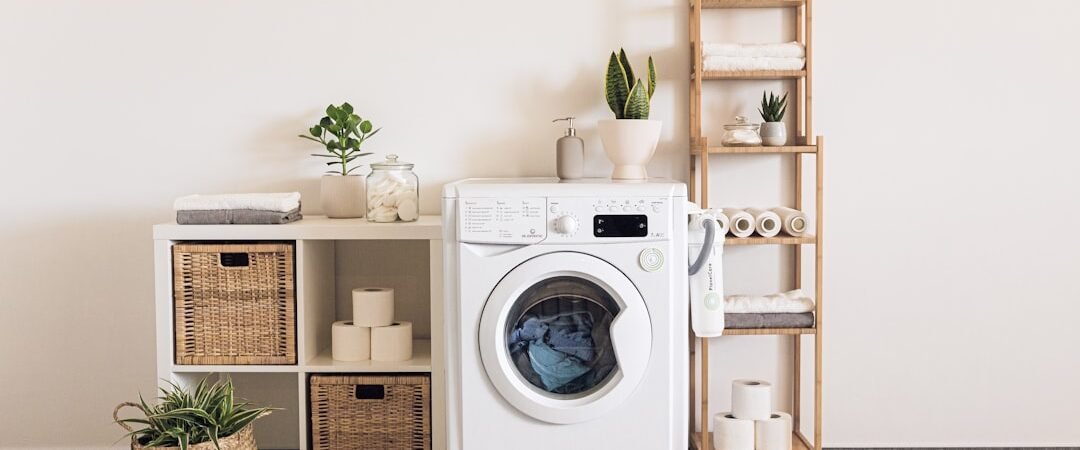
A Samsung front-load washer that will not drain commonly has a hose restriction, a manual-confirmed accessible filter blockage, excess suds, a plumbing backup, or a pump fault. Because front-loaders can retain water behind a closed door, use a cautious, model-specific approach.
Safety first: Turn off and disconnect power before opening a lower service flap, using an emergency drain hose, or cleaning a filter. Do not force the door, bypass the lock, or access internal parts while connected to power.
Common Samsung Front Load Drainage Causes
1. The external drain hose is kinked
Inspect the exposed route for crushing or sharp bends. Make sure the hose has not been pinched when the washer was pushed into place.
2. The filter needs owner-level cleaning
Some Samsung front-load washers provide an accessible debris filter and emergency drain hose, but not every model has the same arrangement. Use the exact manual before opening anything and have towels ready for residual water.
3. The filter cap or access area is not reinstalled correctly
If a filter was recently cleaned, a loose cap or improperly seated part can cause leaking or poor drainage. Refit only as the model instructions specify.
4. Too much detergent is creating suds
Use the correct HE detergent and amount for the load. Excess suds can delay drainage and make a washer appear to be holding water.
5. The household drain is slow or blocked
Water backing up from the standpipe points to a household plumbing problem. Do not keep running drain tests if water is overflowing.
6. A small item has obstructed the drainage path
Coins, lint, or small objects can contribute to a filter or pump-path restriction. Clean only parts the manual identifies as user accessible.
7. The pump does not move water
A repeated hum with standing water, after external checks, can involve the drain pump. Internal diagnosis requires professional service.
8. The door or controls are not allowing the cycle to finish
A door-lock, sensor, wiring, or control fault can interrupt a program. Do not assume the filter is the answer if the same issue returns with no blockage.
Samsung Front Load Washer Not Draining Water
When water is in the drum, do not force the door. Follow the model manual for its approved emergency-drain or filter procedure, and stop if you cannot control the water safely.
Samsung Front Load Washer Won’t Drain and Spin
High-speed spin is normally limited until the washer has drained. Correct drainage first. If the drum drains but does not spin, use the separate Samsung washer drains but will not spin guide.
Related Samsung Washer Guides
Start with the general Samsung drainage guide for a broader sequence. If the display shows a 5C or 5E-family code on a supported model, use the 5C or 5E error checks.
When to Call a Professional
Call for help when water remains after safe hose and manual-confirmed filter checks, the same code returns, the pump hums without moving water, or the repair requires internal wiring or pump access. Stop immediately for electrical odors, smoke, sparking, a hot plug, or water near electrical components.
Frequently Asked Questions
Where is the drain filter on a Samsung front-load washer?
It varies by model. Check the owner manual before opening any panel or cap.
Can a clogged filter stop a front-load washer from draining?
Yes, where the model has an accessible filter. Other causes remain possible, including the hose, plumbing, suds, or pump.
Why is my front loader full of water?
The drainage path may be restricted or the washer may not be pumping. Avoid forcing the door and use the model-specific safe procedure.
Bottom Line
For a Samsung front-load washer not draining, start with the exposed hose and model-approved filter checks, then stop and arrange service if water remains.