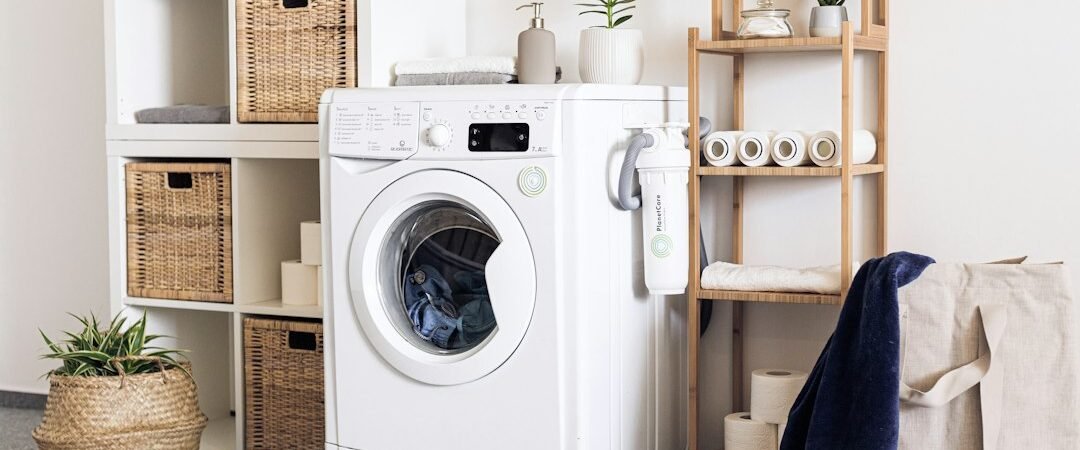
A Samsung washer that will not turn on is different from one that powers up but will not begin a cycle. If the display and lights stay off, start with the home power supply and simple external checks before assuming the washer needs a repair.
Why Is My Samsung Washer Not Turning On?
No-power symptoms can come from the outlet, circuit breaker, plug connection, a power interruption, or an internal electrical fault. Do not open the cabinet or handle wiring. The safe checks below can help narrow down what happened.
1. Check the Power Outlet
Plug a small working device into the same outlet to see whether it has power. If the outlet is controlled by a switch, make sure the switch is on. Do not use an extension cord or multi-outlet strip for a washer.
2. Check the Breaker
Look at the home electrical panel for a tripped breaker. A breaker can look partly on, so reset it only if you can do so safely: move it fully off, then back on. If it trips again, stop resetting it and contact a qualified electrician or appliance technician.
3. Make Sure the Washer Is Fully Plugged In
Check that the plug is firmly seated and that the cord is not visibly damaged, pinched, or hot. Do not use the washer with a damaged cord. If access to the plug is difficult, move the appliance only if it can be done safely.
4. Check for No-Power Symptoms
A Samsung washer with no power or lights may have a blank display and no response from any button. Check whether the room outlet works before treating the control panel as faulty. If lights come on but the cycle will not begin, see our guide for a Samsung washer that turns on but will not start.
5. Door or Lid Lock Issues
A lid or door problem usually prevents a cycle from starting rather than removing all power. Still, close it firmly and remove any item caught in the opening. Never try to bypass a door or lid lock.
6. Control Lock or Child Lock
Control Lock can make buttons appear unresponsive even when the washer has power. Look for a lock indicator and use the model’s owner manual to identify the correct way to turn that feature off. Do not guess at button combinations.
7. Temporary Control Reset
If the washer lost power during a surge or outage, unplug it, wait briefly, and reconnect it directly to a working outlet. Then check the display. This is a basic reset, not a repair; do not keep repeating it if the washer remains completely dead.
8. Internal Electrical or Control Fault
If the outlet and breaker work, the cord looks normal, and the Samsung washer still will not power on, an internal connection, control, or other electrical component may need professional diagnosis. Leave the washer unplugged until service is arranged.
Samsung Washer Has No Power or Lights
When there are no lights at all, focus first on power to the outlet, the breaker, and the plug. If another appliance works at the same outlet and your washer remains blank, professional service is the safer next step.
Samsung Washer Won’t Power On After a Power Outage
After an outage, confirm the home circuit is restored and check whether other devices on the circuit work. A reset can help clear a temporary control interruption, but a breaker that will not stay on or a washer with a burning smell needs prompt professional attention.
When the Washer Has Power but Will Not Start
If the panel lights up, the issue is usually not no power. Check our Samsung washer won’t start troubleshooting guide for broader start problems, including situations where a selected cycle does not begin.
When to Call a Professional
Call for service if a verified working outlet does not power the washer, the breaker keeps tripping, the cord is damaged, there is a burning smell, or the display remains blank after a safe reset. Do not remove panels or test internal electrical parts yourself.
FAQ
Why does my Samsung washer not turn on?
Start with the outlet, breaker, plug, and visible cord condition. If those checks are normal and the display stays blank, the washer may need professional diagnosis.
Why does my Samsung washing machine have no power and no lights?
It may not be receiving power from the outlet or circuit. If the outlet works for another device, leave the washer unplugged and arrange service.
Can Control Lock make a Samsung washer look like it will not turn on?
Control Lock can stop buttons from responding, but it normally does not remove every display light. Check the lock indicator and use the owner manual.
What should I do after a power outage?
Confirm the breaker and outlet work, then reconnect the washer directly to the outlet. Stop if you notice damage, repeated breaker trips, or abnormal smells.