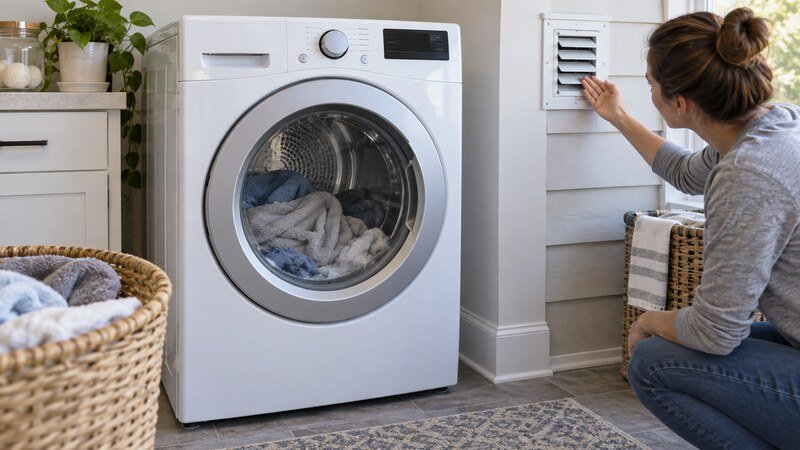
An LG dryer that shuts off repeatedly may be completing a sensor cycle early or suffering an abnormal power, airflow, temperature, door, or motor interruption. Flow Sense and the d80/d90/d95 family provide useful clues on supported models, but they do not replace checking the entire vent.
Safety first: Stop the appliance and disconnect power before touching accessible filters, hoses, or panels. Never bypass a door or lid switch, probe energized wiring, or continue using an appliance that smells hot, sparks, leaks near electrical parts, or repeatedly trips a breaker.
What to Check First
Before replacing a part, note when the symptom occurs, any display code, whether the appliance completes a controlled test, and the full model number. Those details prevent unrelated parts from being replaced.
Step-by-Step Diagnosis
1. Compare Sensor Dry with Timed Dry
Use several damp towels. A successful Timed Dry test shifts attention toward load contact, sensor residue, or cycle settings.
2. Clean the humidity sensor
With power off, wipe the metal sensor surfaces behind the lint-filter area using a soft damp cloth, then dry them.
3. Correct small or mixed loads
One light item may not contact the sensor; tangled heavy and light fabrics can also end unevenly.
4. Respond to Flow Sense
Inspect the visible duct and outdoor hood. d80, d90, and d95 indicate increasing restriction on compatible LG dryers.
5. Check lint-filter seating
Clean the screen and its accessible housing. Reinstall the dry filter fully so airflow is not disturbed.
6. Inspect door closure
Remove trapped fabric and confirm that the latch holds during tumbling.
7. Reset supply safely
With the breaker off and dryer unplugged, wait briefly before restoring power. Repeated trips or a hot connection need professional service.
8. Look for temperature codes
tE-family or HS messages support a sensor-circuit direction; record the exact code and model.
9. Note whether cooling restores operation
A motor that restarts after a cool-down may be overheating from wear, drag, restricted blower airflow, or overloading.
Components Related to This Symptom
A technician may inspect the humidity sensor, Flow Sense airflow path, door switch, motor, rollers, blower wheel, thermistor, power wiring, and main control. The symptom alone does not prove that any one component has failed.
When to Call a Professional
Schedule service when the safe external checks do not solve the problem, the same code returns, or diagnosis requires a meter, internal wiring access, appliance removal, gas work, or major disassembly. Stop immediately for smoke, burning or gas odor, sparking, a hot plug, a repeated breaker trip, water near electrical parts, or severe mechanical noise.
Related Troubleshooting Guides
LG dryer d80 error, LG dryer not heating, dryer taking too long to dry.
Frequently Asked Questions
Can a very small load make an LG dryer stop early?
Yes. It may not brush the humidity sensors consistently.
What do d80, d90, and d95 mean?
On supported models they indicate progressively greater exhaust restriction.
Is unplugging the dryer a permanent fix?
No. It may clear the control but will not repair airflow, motor, sensor, or wiring faults.
Bottom Line
Start with the checks that require no disassembly, use only the documented procedure for the exact model, and stop guessing if the symptom returns. A qualified technician can test the safety, drive, drainage, sensing, wiring, and control components under the correct conditions.